
You type "a dog running on a beach" into an AI video generator. You wait. The dog has five legs, the beach is melting and the camera spins for no reason. Sound familiar?
Here's the thing. Most bad AI videos aren't the model's fault. They're the prompt's fault. Video models need to know what to show, how it moves and where the camera is, and most of us only tell them the first part.
In this guide I'll show you how to write AI video prompts that actually work, with a simple formula, real examples and the mistakes to avoid. If you want to know which models are worth trying right now, we've covered the trending AI video generators to watch in a separate post.
Why Video Prompts Are Different
An image prompt describes one moment. A video prompt describes a few seconds of time.
That adds three things the AI has to guess if you don't say them. What moves. How it moves. And where the camera is while it happens.
Leave those out and the model fills the gaps on its own. That's where the five-legged dog comes from.
The Simple Prompt Formula
Most good video prompts cover the same six building blocks.
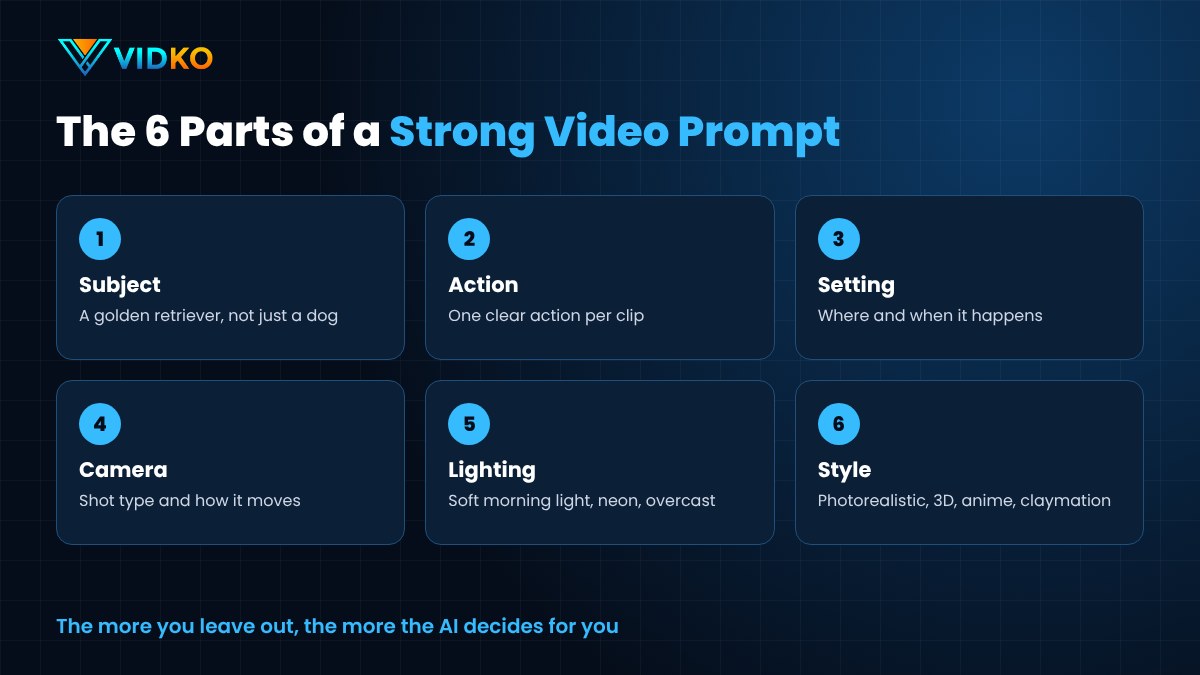
- Subject. Who or what is in the shot. Be specific. "A golden retriever" beats "a dog".
- Action. What the subject does. One clear action works best.
- Setting. Where it happens, and when. "An empty beach at sunrise".
- Camera. The shot type and movement. "Low tracking shot following the dog".
- Lighting. Soft morning light, neon at night, overcast and moody.
- Style. Photorealistic, 3D animation, anime, claymation, film noir.
You don't need every block every time. But the more you leave out, the more the AI decides for you.
From Weak to Strong
Let's fix that beach video.
Weak. "A dog running on a beach."
Better. "A golden retriever running along the shoreline of an empty beach at sunrise."
Strong. "A golden retriever running along the shoreline of an empty beach at sunrise, splashing through shallow waves. Low tracking shot moving alongside the dog. Soft warm light, photorealistic, shallow depth of field."
See the difference? The strong version tells the model the subject, the action, the setting, the camera, the light and the style. There's very little left to guess.
Here's another one.
Weak. "A coffee ad."
Strong. "Close-up of hot coffee being poured into a white ceramic cup on a wooden table. Steam rising slowly. Slow push-in camera. Warm morning light from a window, cinematic, photorealistic."
And one for animation.
Weak. "A cute robot."
Strong. "A small round robot with big glowing eyes waters a single flower on a windowsill, then looks up and waves. Static medium shot. Soft afternoon light, colourful 3D animation style."
Notice the robot does two small things in a row, not ten. That's about as much action as a short clip can handle well.
Learn a Little Camera Language
You don't need film school. A handful of terms will change your results.
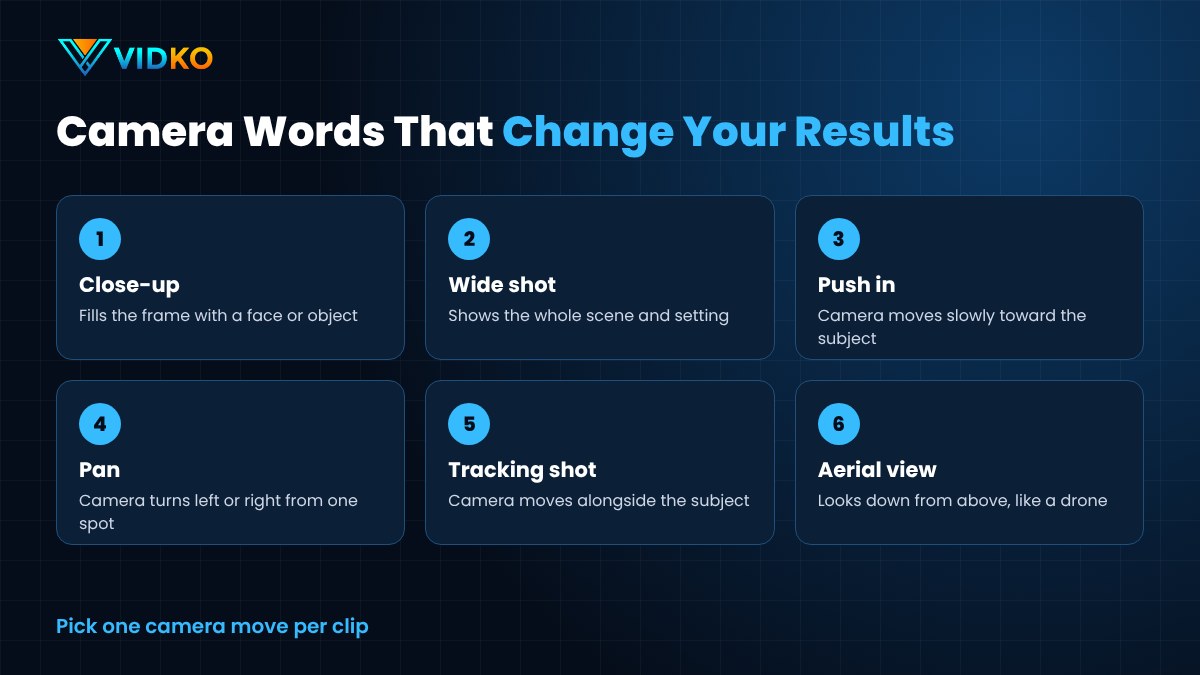
- Close-up. Fills the frame with a face or object.
- Wide shot. Shows the whole scene and setting.
- Push in. The camera moves slowly toward the subject.
- Pan. The camera turns left or right from one spot.
- Tracking shot. The camera moves alongside a moving subject.
- Aerial or drone shot. Looks down from above.
- Static shot. The camera doesn't move at all.
Pick one camera move per clip. Asking for a pan, a zoom and a drone shot in five seconds usually ends in chaos.
Prompting Image to Video
Image-to-video works a little differently. The picture already shows the subject, the setting and the style.
So don't describe the image again. Describe the motion.
Instead of "a woman in a red dress in a field", try "the wind gently moves her dress and hair, she turns her head toward the camera and smiles, slow push-in". Tell the model what changes, and keep the movement small and natural.
Keep Each Clip Simple
Most AI video models make short clips. That's a good thing, if you plan for it.
Think of each prompt as one shot in a film, not the whole film. One subject, one action, one camera move. Then make the next shot with a new prompt and join them together in an editor.
Want a story? Write it as a list of shots first. Then prompt them one at a time.
Change One Thing at a Time
Didn't get what you wanted? Resist the urge to rewrite the whole prompt.
Change one thing. The camera. Or the lighting. Or the action. Then generate again.
This way you learn what each word actually does. After a few rounds, you'll know which parts of your prompts matter most.
Try the Same Prompt on Different Models
Different video models have different strengths. One might handle realistic people well. Another might be better at animation, or smoother motion, or faster results.
So when a prompt isn't working, it may not be the prompt. Run the same words through a different model and compare. It's one of the quickest ways to find the right tool for each kind of shot.
Common Prompting Mistakes
- Too many subjects. Three people doing three things usually turns into a mess.
- Clashing styles. "Photorealistic anime watercolour" confuses the model.
- Vague words. "Beautiful" and "amazing" don't describe anything.
- Asking for readable text. Many models still struggle to draw words clearly. Add text in an editor afterwards.
- Overloading the clip. Too much action for a few seconds of video.
- Forgetting the camera. No camera direction often means random movement.
Build Your Own Prompt Library
Every time a prompt works well, save it.
Keep a simple document with the prompt, the model you used and a note on what you liked. Over time you'll build a set of tested templates. Product shots. Nature B-roll. Intros. Animated scenes.
Next time, you swap the subject and you're done.
How Vidko Puts the Top Video AIs in One Place

Testing one prompt on several models normally means juggling several accounts. That's why we built Vidko.
Vidko is a multi-AI video generation platform. It brings many of the top video AIs into one dashboard, with models like Kling, Veo, Seedance, Pixverse, MiniMax and Luma among them, and new ones get added over time.
You can create videos from text prompts or turn any image into a video. It handles any style you can describe, from live action and 3D animation to anime, claymation, film noir and doodle. You review your videos in one place, keep an eye on your credit usage, and it even includes sub-user, reseller and whitelabel options for agencies.
It costs $6.99 a month or $67 a year.
So when you've written a strong prompt, you can run it on the model that suits the shot best, without signing up everywhere.
Final Thoughts
Good AI video starts with a good prompt.
Name the subject. Give it one action. Set the scene. Direct the camera. Choose the light and the style. Then change one thing at a time until it looks right.
It takes a little practice. But once it clicks, you'll stop fighting the AI and start directing it.
If you want to see which models are worth putting your prompts into, read our roundup of trending AI video generators to watch.
FAQs About AI Video Prompts
How long should an AI video prompt be?
Usually one to three sentences. Long enough to cover the subject, action, setting, camera and style, but not so long that details start to conflict.
Why does my AI video look strange or distorted?
Often the prompt asks for too much, like several subjects or complex action in a short clip. Simplify to one subject and one action, then add detail gradually.
Do the same prompts work on every model?
Not always. Each model reads prompts a little differently. Try your prompt on two or three models and keep notes on which one handles each style best.
Can I add text to AI videos?
It's usually better to add titles and captions in an editor afterwards. Many video models still struggle to draw clear, correctly spelled text.