
What if your next video needed no camera, no actors and no editing suite? Just an idea and a few minutes.
That's where AI video is right now. A year ago most clips looked like melting dreams. Today the best models give you sharp 4K footage, steady characters and even matching sound.
The catch? There are a lot of tools, they change every month, and the pricing pages are a maze.
So I went through the AI video generators people are actually talking about, checked what each one does today and looked up what it really costs. If you want a deeper look at platforms that bundle several video models together, we also put together a roundup of 7 multi-AI video generation tools.
The Trending AI Video Generators Worth Watching
I've kept each one short. What it is, who it suits, what you'll pay, and the good and bad in a few lines.
How did I choose them? Each tool had to make video with AI, be in active development, and be something creators are genuinely using this year. Some are pure generators. Some are avatar studios. A few are editors with smart AI features. Together they cover most of what people want from AI video today.
Prices were checked on each tool's official pricing page in October 2026. They change often, so give the page a quick look before you buy.
1. Vidko

I'll be upfront. Vidko is our product. But it sits at the top for a simple reason.
Vidko is a multi-AI video generation platform. Instead of being one model, it puts many of the top video AIs in one dashboard. Its lineup includes Kling, Google's Veo 2 and Veo 3, ByteDance Seedance, Luma's Dream Machine and Ray Flash, MiniMax, Pixverse, Wan, Haiper and Tencent Hunyuan, with new models added over time.
You can create videos from a text prompt or turn any image into a moving clip. Live action, 3D animation, anime, claymation, film noir, doodle style, time lapse. If you can describe it, you can try it.
You also get a gallery to review what you've made, a view of your credit usage, and sub-user, reseller and whitelabel options if you run an agency.
Why it's the best value
Look at the prices further down this list. Most single-model tools start somewhere between $10 and $30 a month, and that's for one model.
Vidko costs $6.99 a month or $67 a year, and you get access to a whole group of models. That means you can run the same prompt through Kling, Veo and Seedance and keep the best take, without three separate subscriptions.
It comes with 20,000 welcome credits and a 30-day money-back guarantee, so trying it is close to risk-free.
Who it's for
Creators, marketers, small businesses and agencies who want B-rolls, shorts, intros and social clips from several top AIs without juggling accounts.
Pricing
$6.99 a month, or $67 a year.
Pros
- Many leading video models in one place
- Text to video and image to video
- Very low price for what's included
- Reseller and whitelabel options for agencies
Cons
- The very newest model versions may reach the makers' own apps first
- Generation runs on credits, so heavy users need to watch their usage
2. Kling
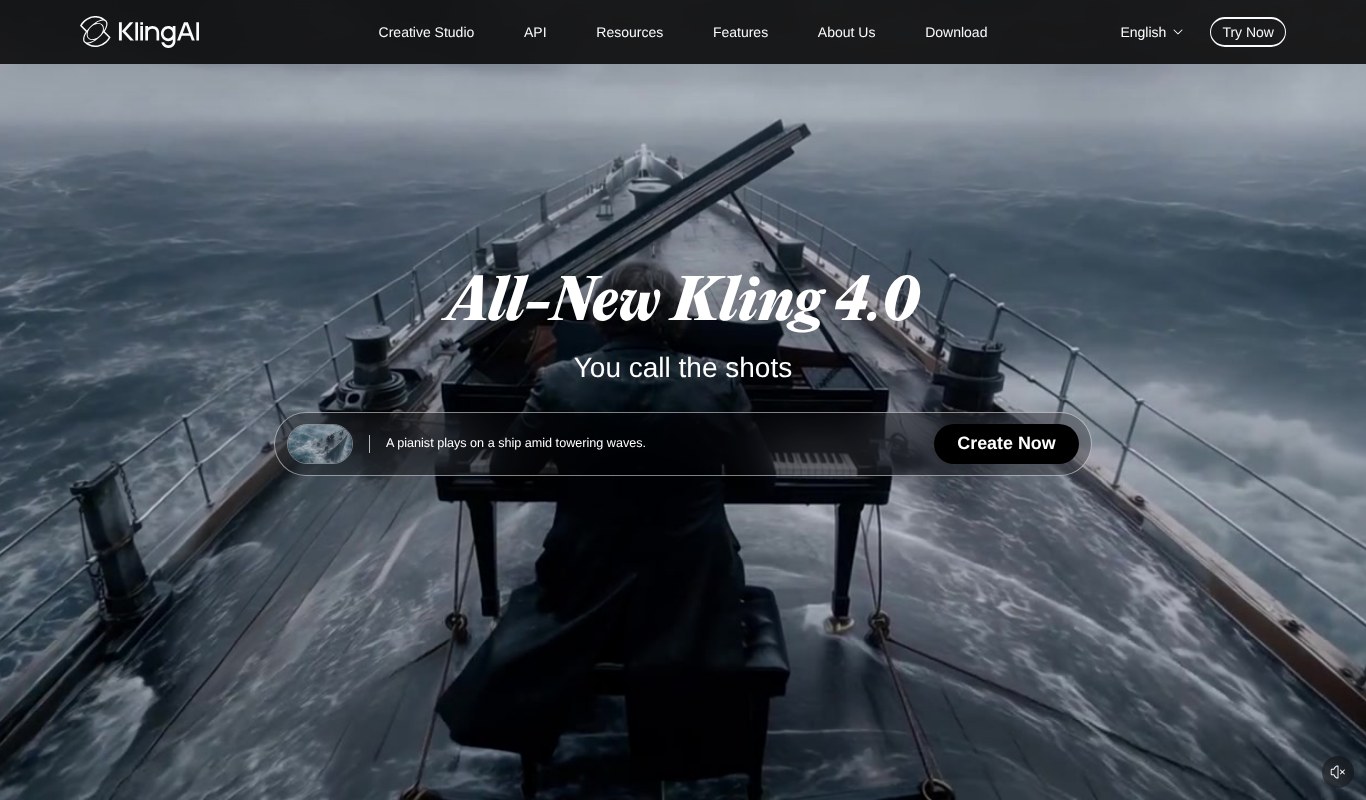
Kling is one of the names you hear most in AI video right now. It just released Kling 4.0, which brings stable, dynamic motion, synced audio and native 30-second clips.
The motion is the big draw. People running, dancing, fighting. Kling handles movement that trips up a lot of other models. It also offers motion control, where you copy movement and facial expressions from a reference.
Who it's for
Creators who want cinematic, realistic clips with lots of action.
Pricing
Kling has a free tier. The Standard plan lists at $10 a month, and first-month discounts are common.
Pros
- Excellent, natural motion
- Native 4K and longer clips
- Daily free credits for subscribers
Cons
- Credits go fast on the newest model
- The free tier is limited
3. Dreamina (Seedance)
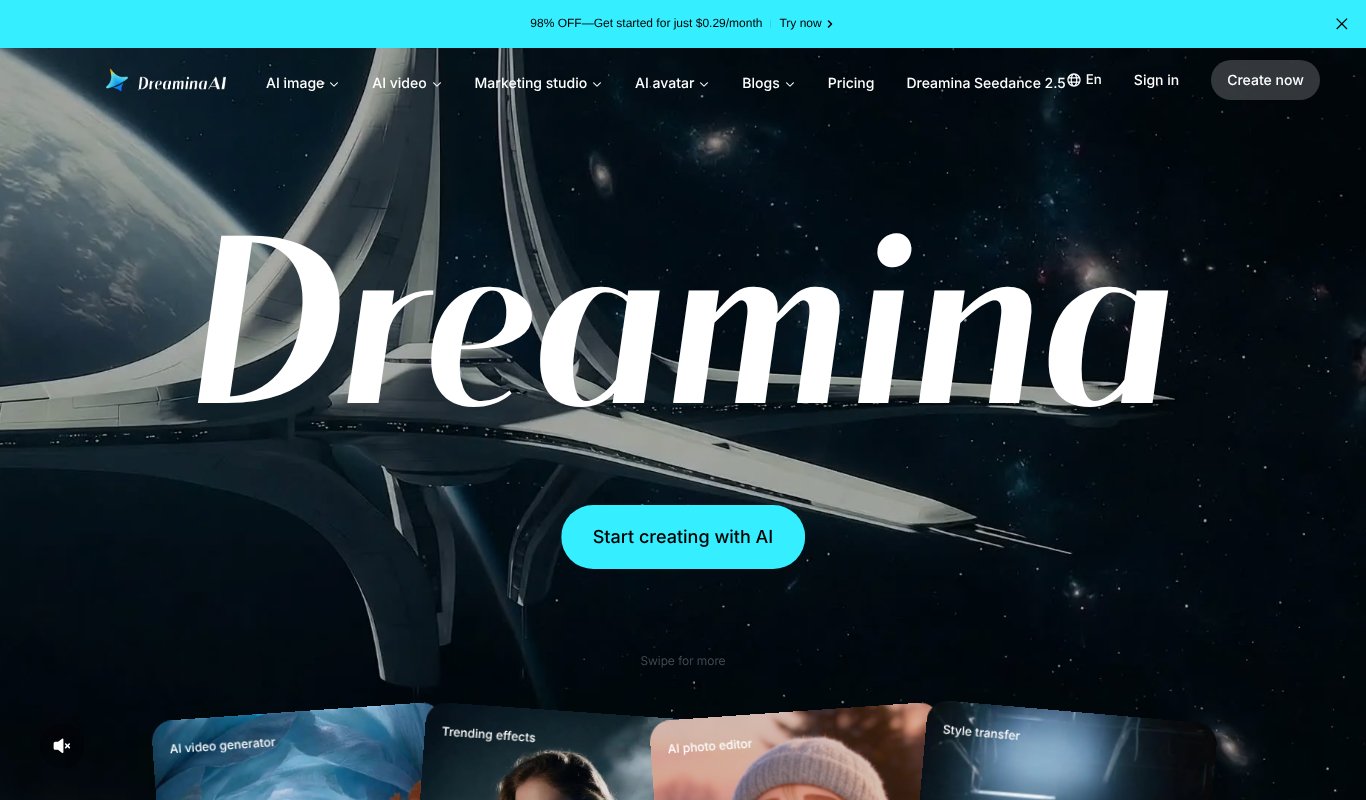
Dreamina is the creative app from the team behind CapCut. Its headline model is Seedance 2.5, ByteDance's video model, which can create a 30-second cinematic clip in a single generation.
Seedance has been everywhere this year, and for good reason. It handles long, detailed prompts, and its reference tools help keep characters steady from shot to shot.
Dreamina also does AI images, avatars and a marketing studio, so it's a handy all-round creative space.
Who it's for
Short-film makers, ad creators and anyone who already lives in CapCut.
Pricing
Free to try. Paid plans change often with promotions, so see their pricing page for the current price.
Pros
- Long, story-driven clips in one go
- Reference tools for steadier characters
- From the team behind CapCut
Cons
- Pricing is hard to pin down
- Lots of features can feel busy at first
4. Luma
You may know Luma from Dream Machine. It has grown into a full creative workspace with its own Ray3.2 video model and AI agents that plan, generate and refine across video, image and audio.
Ray3.2 is built to let you direct every frame and hold continuity across cuts. It can also output HDR and EXR files for professional editing.
Who it's for
Creative teams and pros who want polished visuals and a workflow that goes beyond single clips.
Pricing
Free to try. The Plus plan is $30 a month, with savings on yearly billing.
Pros
- Beautiful, cinematic footage
- HDR and pro export options
- Agents that handle whole campaigns
Cons
- Pricier than most entry plans here
- More than a casual user needs
5. Synthesia

Synthesia is still the big name in avatar video. You type a script, pick a realistic AI presenter, and get a video with a voiceover in more than 140 languages.
It recently launched Syren, its most advanced video model so far, plus live Sessions for roleplay practice and surveys.
Who it's for
Companies making training, onboarding and how-to videos at scale.
Pricing
The Basic plan is free. Starter costs $29 a month, or $18 a month billed yearly.
Pros
- Very realistic avatars
- Huge language support
- Built for teams and enterprises
Cons
- Not made for creative or cinematic clips
- Higher tiers get expensive
6. InVideo AI

InVideo AI has changed a lot. It now calls itself an agentic video editor. You upload footage, describe the edit you want, and its AI agents find the right moments and cut it together.
It also gives you access to image and video models, including Seedance 2.5, so you can generate shots and edit in one place.
Who it's for
YouTubers, marketers and teams who want help with editing, not just generation.
Pricing
Starter is $20 a month, or $10 a month billed yearly.
Pros
- AI that actually edits your footage
- Finds clips by description
- Good value on yearly billing
Cons
- Credits don't roll over
- Starter has no guest seats
7. VEED

VEED started as a simple online editor and is now an AI video studio built for social media. You can generate clips, clone yourself as an avatar, add its well-known auto subtitles and apply your brand kit in a click.
Who it's for
Social media managers, podcasters and small brands posting short videos every week.
Pricing
VEED has a free plan. The Creator plan is $12 per user a month, billed yearly.
Pros
- Some of the best subtitles around
- Brand kits keep everything on-brand
- Easy to learn
Cons
- AI credits are capped per plan
- Advanced features sit in higher tiers
8. Colossyan

Colossyan is focused on training. Drop in a PDF, a slide deck or a web page and it turns it into presenter-led videos and full courses, with quizzes and translations into more than 100 languages.
Who it's for
HR, L&D and training teams.
Pricing
The Starter plan is free. Professional is $59 a month, billed yearly.
Pros
- Turns documents into training fast
- Interactive videos and courses
- Generous free plan
Cons
- Not built for creative or social content
- Paid plan is a jump from free
9. OpenArt

OpenArt started out as a place to make AI art and is now an all-in-one creation platform. It's great for consistent characters, one-click stories, music videos and stylised clips, and it gives you access to more than 100 image, video and audio models.
Who it's for
Artists, storytellers and creators who care about a unique look.
Pricing
Free to start. Starter is $13 a month on annual billing.
Pros
- Strong character consistency
- Lots of artistic styles
- Image and video in one place
Cons
- Commercial rights start on the Plus plan
- Credits run out quickly on video
10. Animaker

Animaker is all about animation. Explainers, training videos and promos with cartoon characters you can build yourself. It also adds AI subtitles and lots of human-like voices.
Who it's for
Marketers and trainers who want animated explainers without hiring an animator.
Pricing
The free plan adds a watermark. Paid plans start at around $15 a month on yearly billing, but prices shift often, so see their pricing page.
Pros
- Huge character builder
- Very beginner-friendly
- Great for explainers
Cons
- Not for realistic footage
- Export limits on lower plans
11. Animoto

Animoto is the easy option. Drag in photos and clips, pick a template, and you've got a polished promo. It's lighter on AI than the rest of this list, but it's quick and reliable.
Who it's for
Small businesses, real estate agents and teachers who need simple promos fast.
Pricing
Free with a watermark. Basic is $19 a month, or $9 a month billed yearly.
Pros
- Very easy to use
- Licensed music and stock included
- Discounts for nonprofits and teachers
Cons
- Limited creative control
- Relies on templates more than AI
Which Tool Should You Pick?
Start with the job, not the tool.
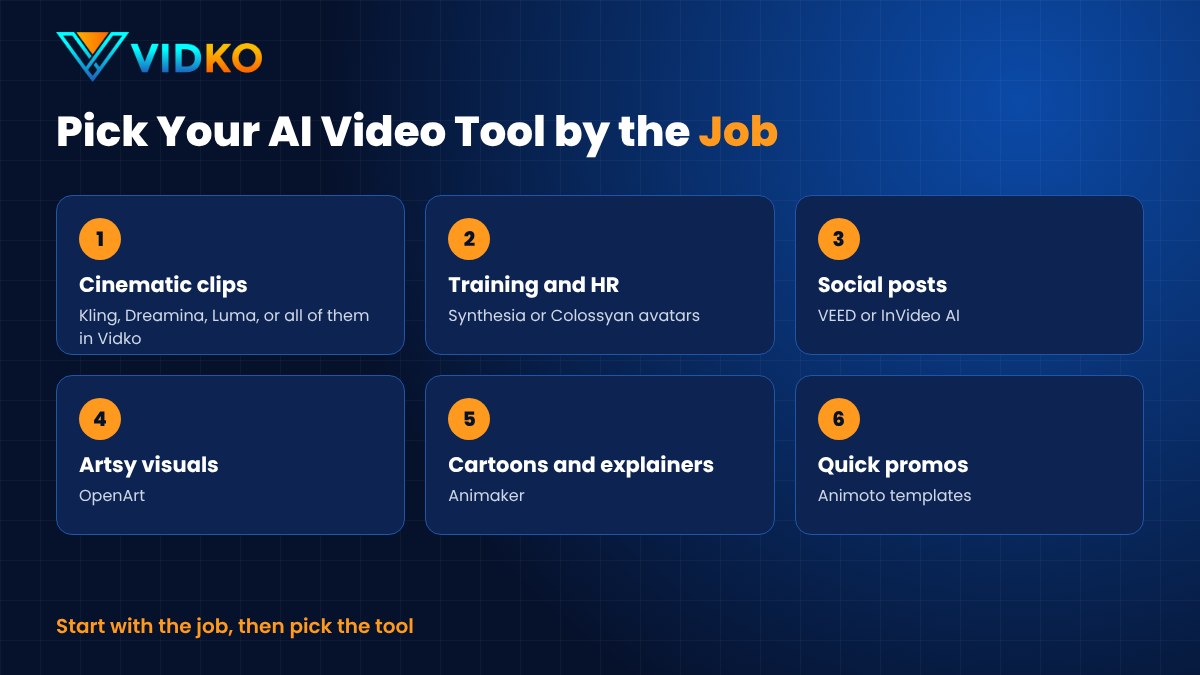
Need cinematic clips? Try the big models. Training videos? Go for avatars. Social posts? An editor with good subtitles.
A quick tip. Most of these tools have a free tier or a refund window. Use it. Run the same idea through two or three of them and compare the results side by side. You'll learn more in an afternoon of testing than in a week of reading reviews.
And if you want the cinematic models without paying for each one, that's exactly the gap Vidko fills.
What's New in AI Video Right Now

A few shifts stand out this year.
Cinematic text to video
Clips are longer, sharper and come with sound. Kling 4.0 and Seedance 2.5 both create 30-second clips in one go, and native 4K is becoming normal.
Better models still need good direction, though. Our guide on how to write AI video prompts that actually work walks you through it.
Built-in AI scriptwriting and agents
Tools now help before you hit generate. InVideo and Luma use AI agents to plan, write and edit, and Synthesia comes with its own AI video assistant.
Custom avatars for brands and creators
You can now build a personal avatar of yourself or a branded presenter. Synthesia, Colossyan and VEED all offer them.
Automatic B-roll and transitions
Need filler shots? AI can generate B-roll on demand and stitch scenes together. Less time searching stock libraries, more time on the story.
Final Thoughts
AI video has never moved this fast.
The models that impressed us last spring already look dated. And the tools are splitting into clear camps. Cinematic generators, avatar studios, social editors and simple template makers.
So don't chase every launch. Pick the job you need done, try two or three tools on the free tier, and keep the one that fits.
If cinematic clips are what you're after, I'd start with Vidko. At $6.99 a month you get many of the top models in one place, and you can see for yourself which one suits your style.
FAQs About Trending AI Video Generators
Which AI video generator is best for beginners?
Animoto and VEED are the easiest to pick up. For cinematic clips, a multi-model platform like Vidko lets you try several AIs from one simple dashboard.
Can AI video generators make videos in other languages?
Yes. Synthesia supports more than 140 languages and Colossyan more than 100, which makes them strong picks for global training content.
Can I use AI-generated videos commercially?
Usually, on paid plans. Rules vary by tool and plan, so read the terms before you use a clip in an ad or a client project.
Are AI video tools replacing human video creators?
No. They take care of the heavy lifting, like filming, animating and editing. You still bring the idea, the story and the taste.