
You type a sentence. A minute later, it's a video.
That still feels like magic, but in 2027 it's simply how a lot of video gets made. Ads, YouTube intros, B-roll, explainers, social shorts and product clips all start as a few lines of text.
The hard part now is choosing. There are dozens of text to video AI tools, and they're good at very different things. Some make stunning cinematic clips. Others turn a blog post into a tidy business video. Some put a talking presenter on screen.
We tested the leading options again and picked the 8 best text to video AI tools for 2027. You'll see current prices, honest pros and cons, and who each one suits best.
What Is Text to Video AI?
Text to video AI turns written words into moving pictures. You describe a scene, paste a script or drop in an article, and the AI creates the footage.
There are really three kinds.
- Generative models like Veo, Runway and Kling create brand new footage from a prompt. Think cinematic shots, B-roll and creative clips.
- Script to video tools like Pictory and Lumen5 turn articles and scripts into edited videos using stock footage, text and voiceover.
- Avatar tools like HeyGen put a realistic AI presenter on screen who reads your script.
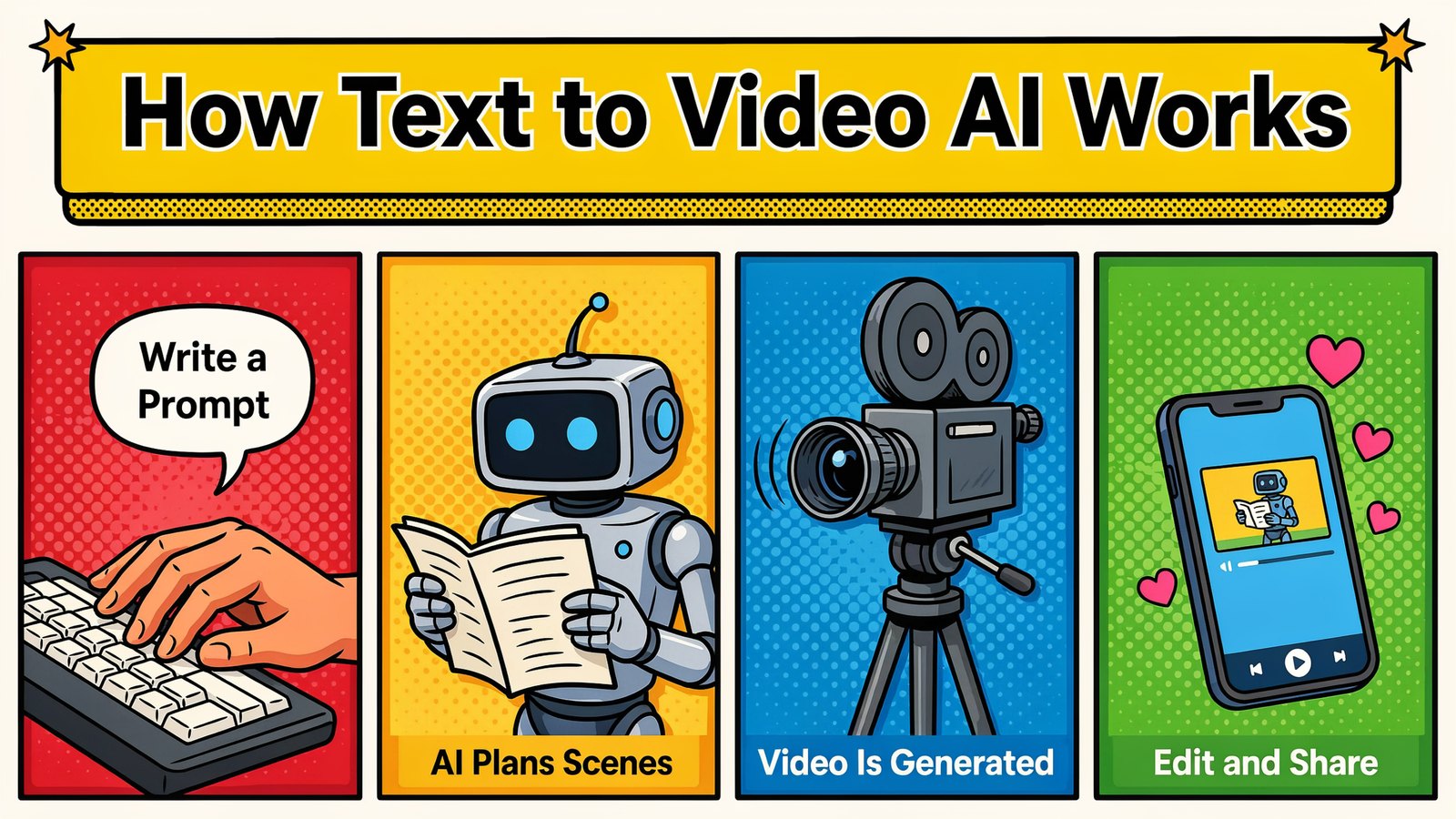
The right pick depends on what you're making. A YouTube faceless channel, a product ad and a training video each need something different.
A Quick Note About Sora
If you read our older version of this list, you'll notice OpenAI's Sora is gone. That's not a ranking choice.
According to OpenAI's help center, the Sora web and app experiences were discontinued on April 26, 2026, and the Sora API followed on September 24, 2026. It's a good reminder not to build your whole workflow around a single video model. Tools that give you access to many models protect you when one disappears.
Quick Comparison
| Tool | Best For | Free Option | Starting Price |
|---|---|---|---|
| Vidko | 22 top video AIs in one workspace | 30 day refund | $5.58/mo paid yearly |
| Google Veo | Realistic clips with sound | Google AI plans | $19.99/mo |
| Runway | Creative pros and editors | Free plan | $12/mo paid yearly |
| LTX Studio | Storyboards and short films | Free credits | $12/mo paid yearly |
| Pictory | Turning scripts and blogs into videos | Free trial | $25/mo paid yearly |
| Lumen5 | Business and marketing videos | Free plan | $19/mo paid yearly |
| HeyGen | AI presenters and avatars | Free plan | $29/mo |
| Vidatia | Faceless and animated videos | 30 day refund | $5.58/mo paid yearly |
1. Vidko
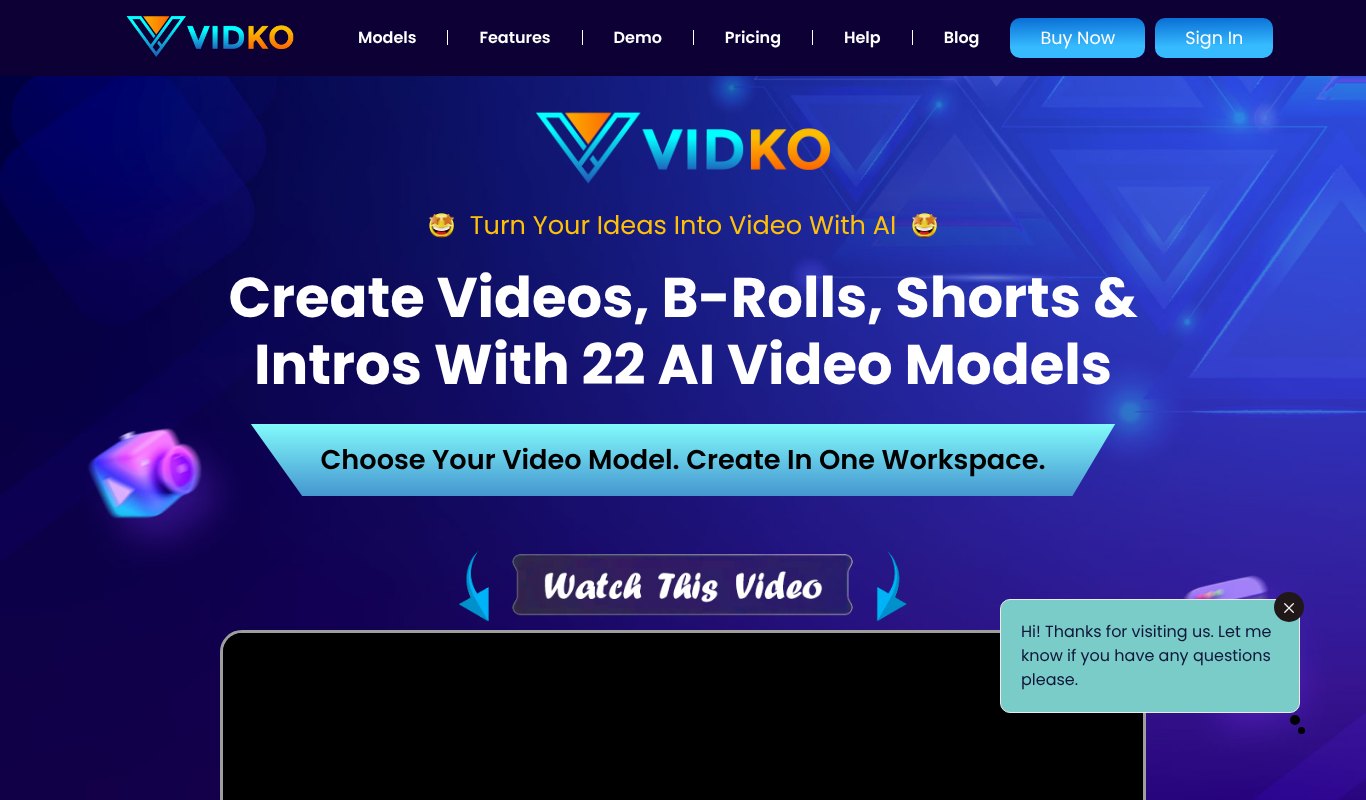
Here's the problem with most text to video tools. Each one gives you one model. When a better model comes out next month, you need another subscription.
Vidko solves that. It puts 22 AI video models in one workspace, including Google Veo 3.1, Runway Gen 4.5, Kling 3.0, ByteDance Seedance 2, Grok Imagine, Wan Video, Luma, Hailuo, Leonardo Motion and Tencent Hunyuan.
You write a prompt once, pick a model and get your clip. Don't like the look? Try the same prompt on another model in seconds. You can also start from a still image and bring it to life with image to video.
Use it for YouTube intros, B-roll, social shorts, ads, explainer scenes and anything else you can describe.
Why It's the Best Value
Paying for Veo, Runway and Kling separately can cost $45 or more a month. Vidko gives you all of them and more for $5.58 a month, paid yearly ($67 a year), or $6.99 month to month. It has a 30 day refund too.
Pros
- 22 top video models in one place
- Text to video and image to video
- Compare models on the same prompt
- Lowest price on this list
Cons
- Brand new models may take a little time to be added
- No free forever plan
Pricing
$5.58 a month, paid yearly ($67 a year), or $6.99 month to month. 30 day refund.
2. Google Veo
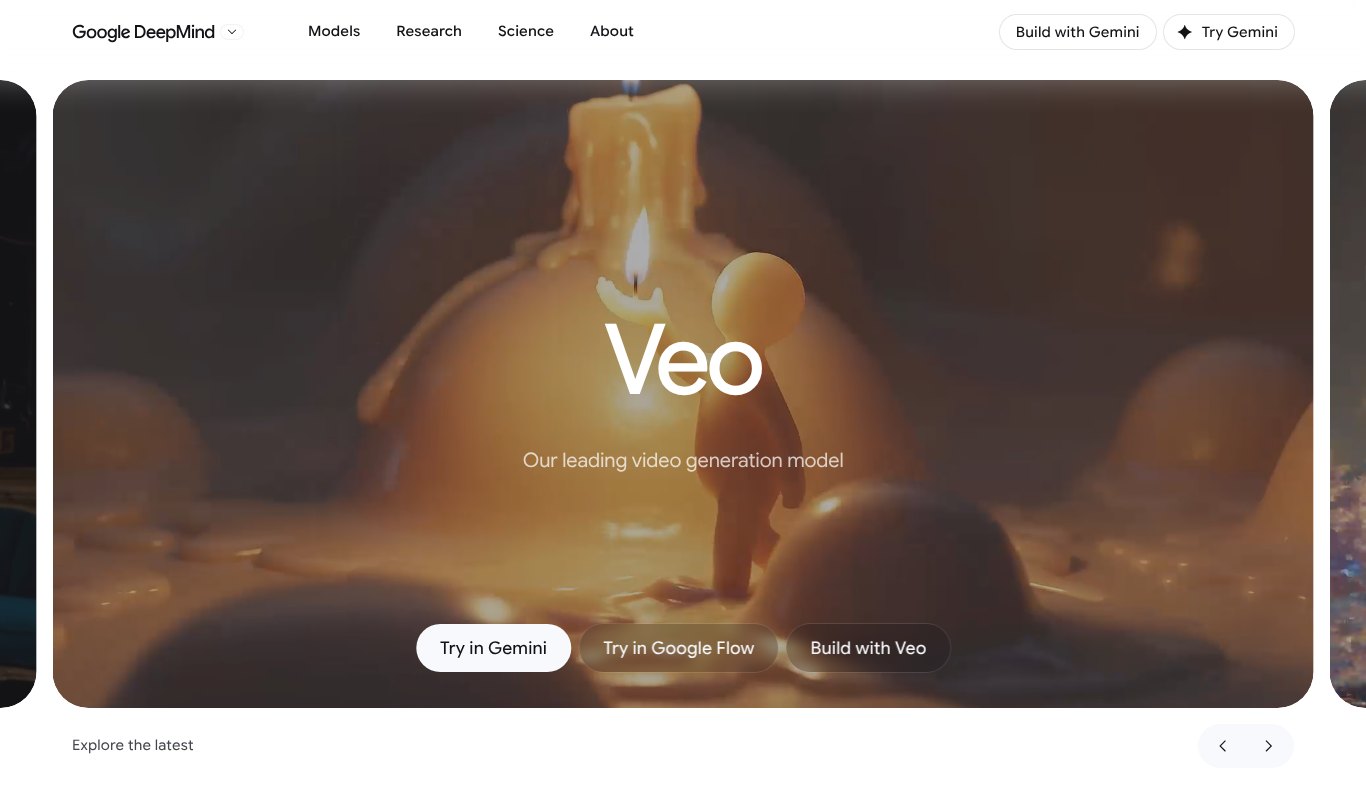
Veo is Google's video model, and Veo 3.1 is one of the most realistic text to video models available today. It's especially good at natural motion and built-in sound. Footsteps, rain, dialogue and background noise come out with the clip.
You can use Veo inside the Gemini app or in Google Flow, a filmmaking tool where you build scenes, extend shots and keep characters consistent.
Pros
- Very realistic footage
- Native sound and dialogue
- Flow helps you build full scenes
Cons
- Generation limits on each plan
- Short clips that you stitch together
Pricing
Comes with Google AI Pro at $19.99 a month. Higher limits are on Google AI Ultra.
3. Runway
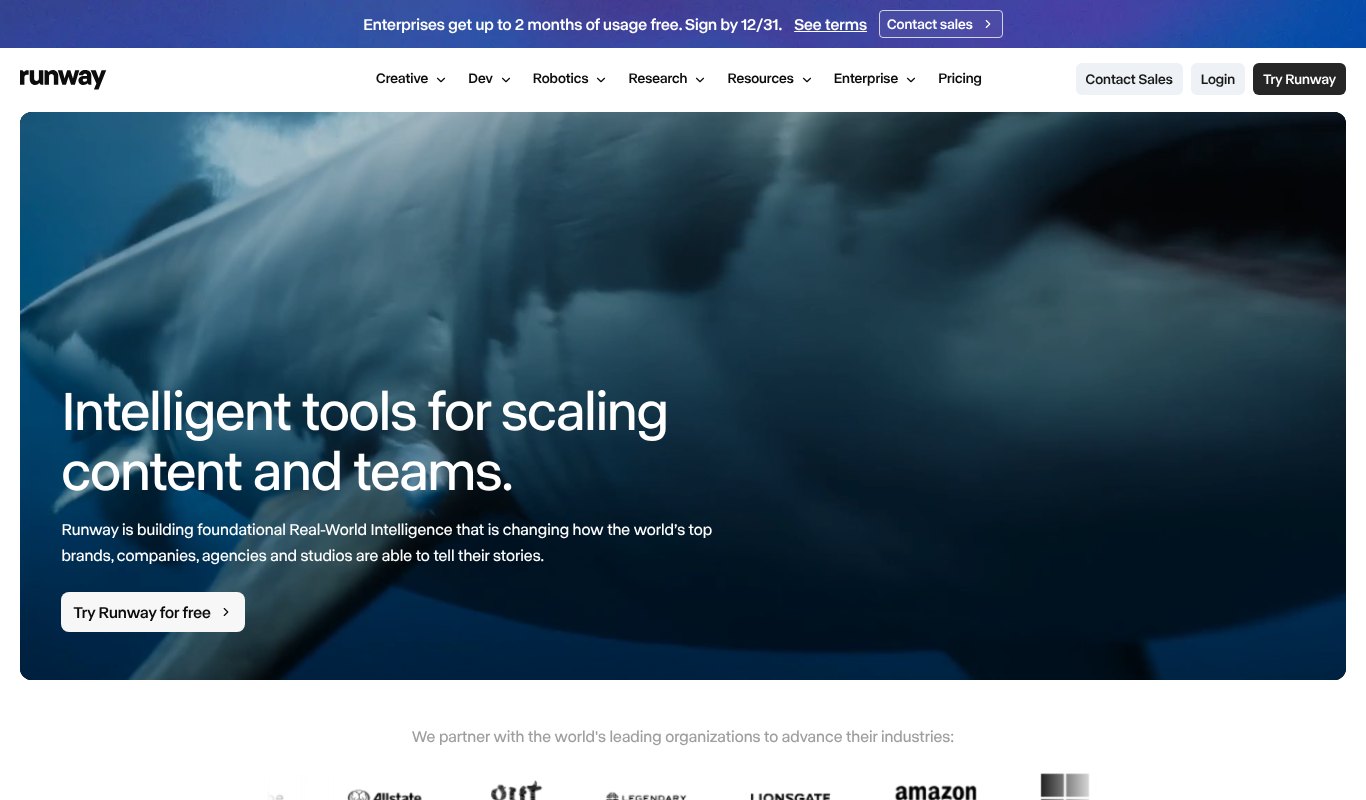
Runway has been a favorite with filmmakers, editors and agencies for years. Its latest model, Gen 4.5, creates sharp, cinematic clips with strong camera control.
What makes Runway special is everything around the model. You get editing tools, upscaling, image generation and ways to keep characters and scenes consistent across shots.
Pros
- Cinematic quality and camera control
- Full creative toolkit
- Free plan to test
Cons
- Credits run out fast on video
- Takes time to master
Pricing
Free plan. Standard is $12 a month paid yearly or $15 month to month. Pro is $28 a month paid yearly.
4. LTX Studio
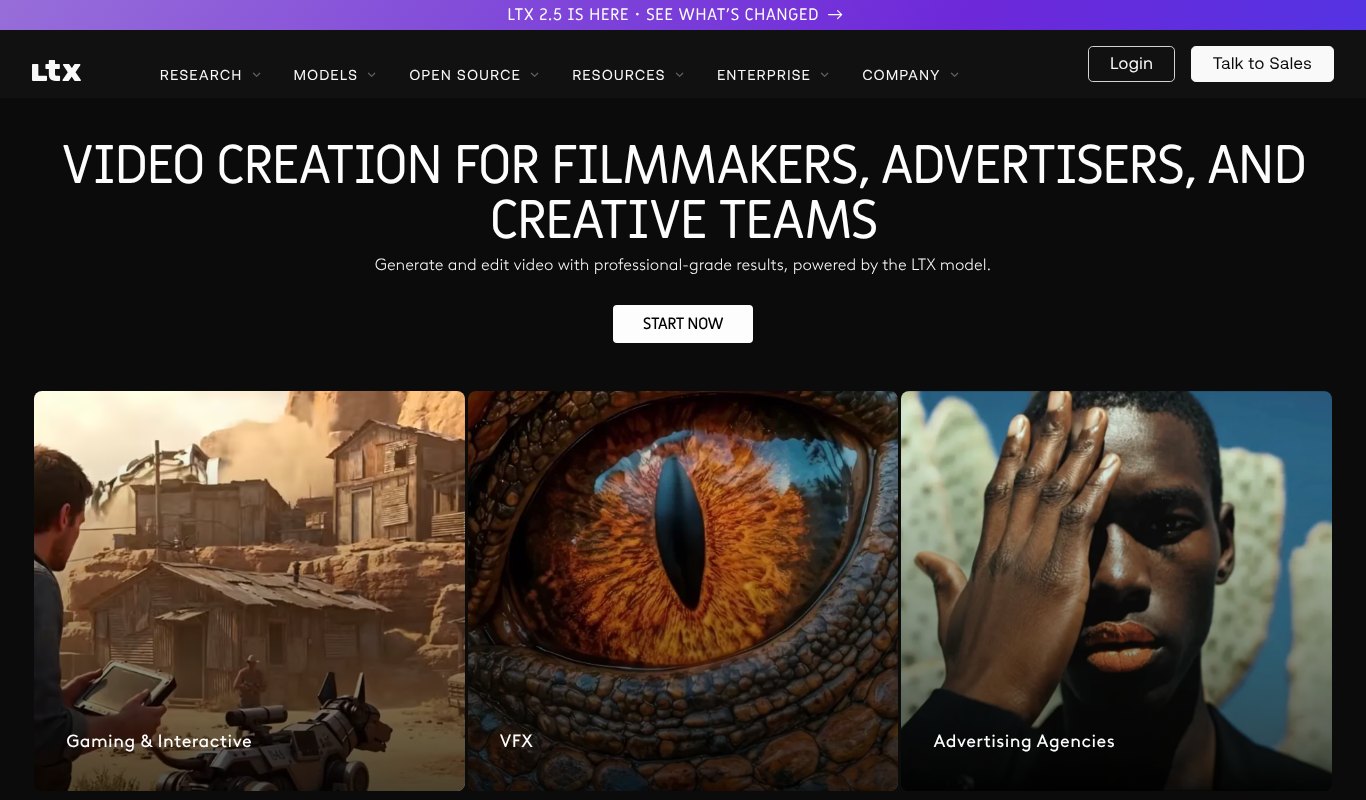
LTX Studio is built for people who think in stories, not single clips. You start with an idea or script, and it builds a storyboard with scenes and shots that you can tweak one by one.
It runs on its own LTX models and also offers others, such as Kling and Seedance, on higher plans. It's popular for pitch videos, ads and short films.
Pros
- Script to storyboard to video
- Shot by shot control
- Free credits to start
Cons
- Commercial license starts on the Standard plan
- More planning than quick one-off clips
Pricing
Free plan with one-time credits. Lite is $12 a month paid yearly. Standard, with a commercial license, is $28 a month paid yearly.
5. Pictory
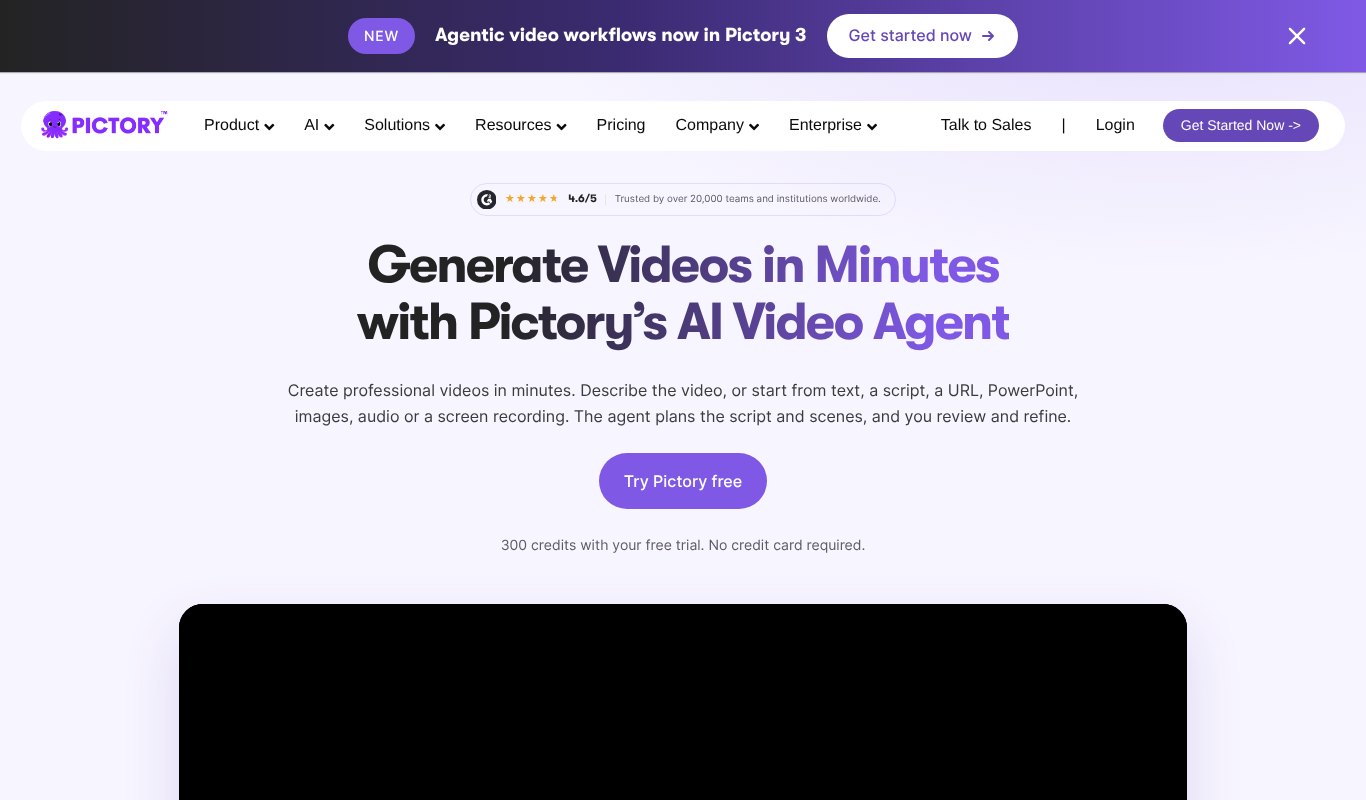
Pictory takes a different road. Instead of generating new footage, it turns your words into an edited video using stock clips, captions, music and AI voiceover.
Paste a script, a blog post URL, a PowerPoint or even a long recording. Pictory's AI video agent plans the scenes and builds the video, and you review and refine it. It's great for faceless YouTube channels, training videos and repurposing blogs.
Pros
- Blog and script to video in minutes
- Large stock library from Getty and Storyblocks
- Auto captions and voiceover
Cons
- Stock footage can feel familiar
- Not for cinematic generated scenes
Pricing
Free trial. Starter is $25 a month paid yearly. Professional is $35 a month paid yearly.
6. Lumen5
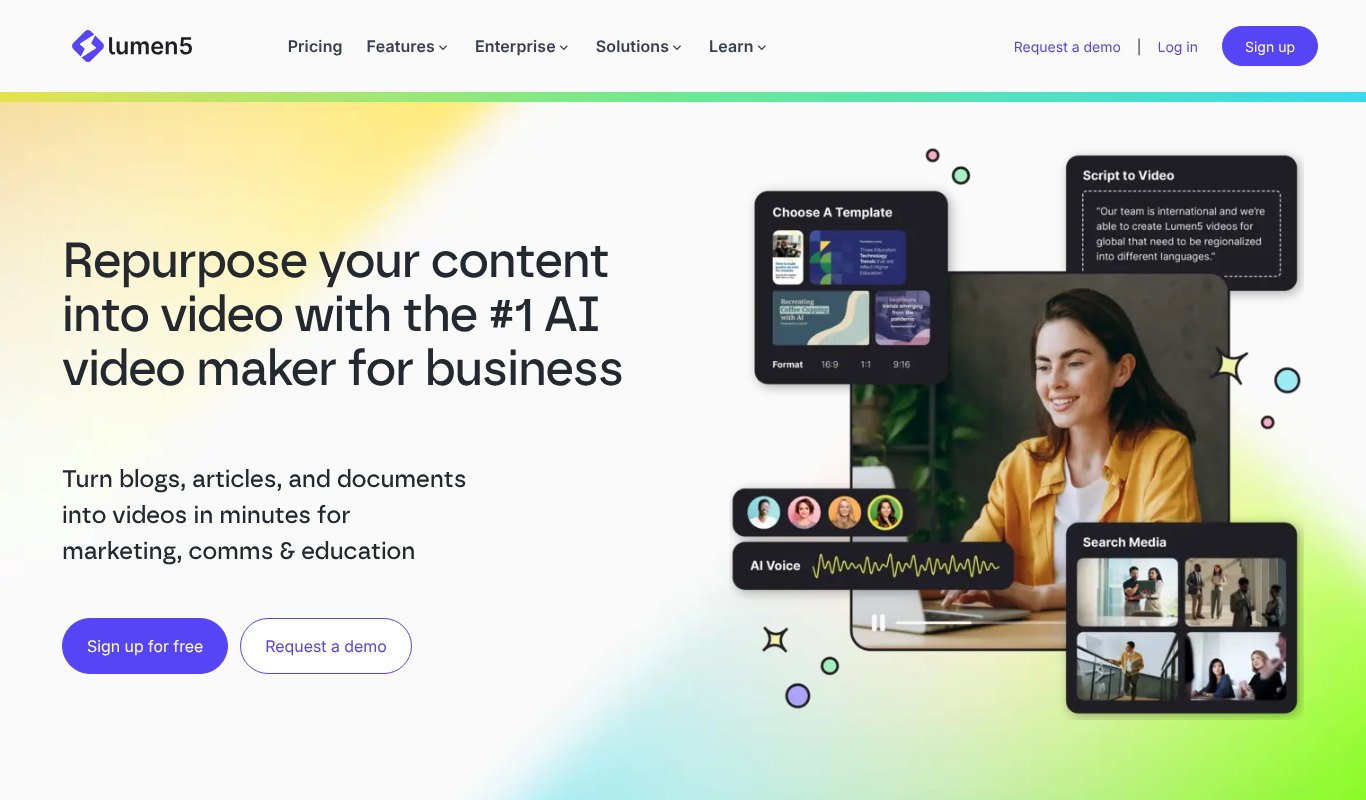
Lumen5 is made for business content. Marketing teams, communications teams and educators use it to turn articles, documents and announcements into clean, on-brand videos.
It picks visuals, lays out text and applies your brand colors and fonts. You don't need any editing skills at all.
Pros
- Very easy for beginners
- Brand kits keep videos consistent
- Free plan to start
Cons
- Templates can look similar
- Free plan adds a Lumen5 outro
Pricing
Free plan. Basic is $19 a month paid yearly. Starter is $59 a month paid yearly.
7. HeyGen
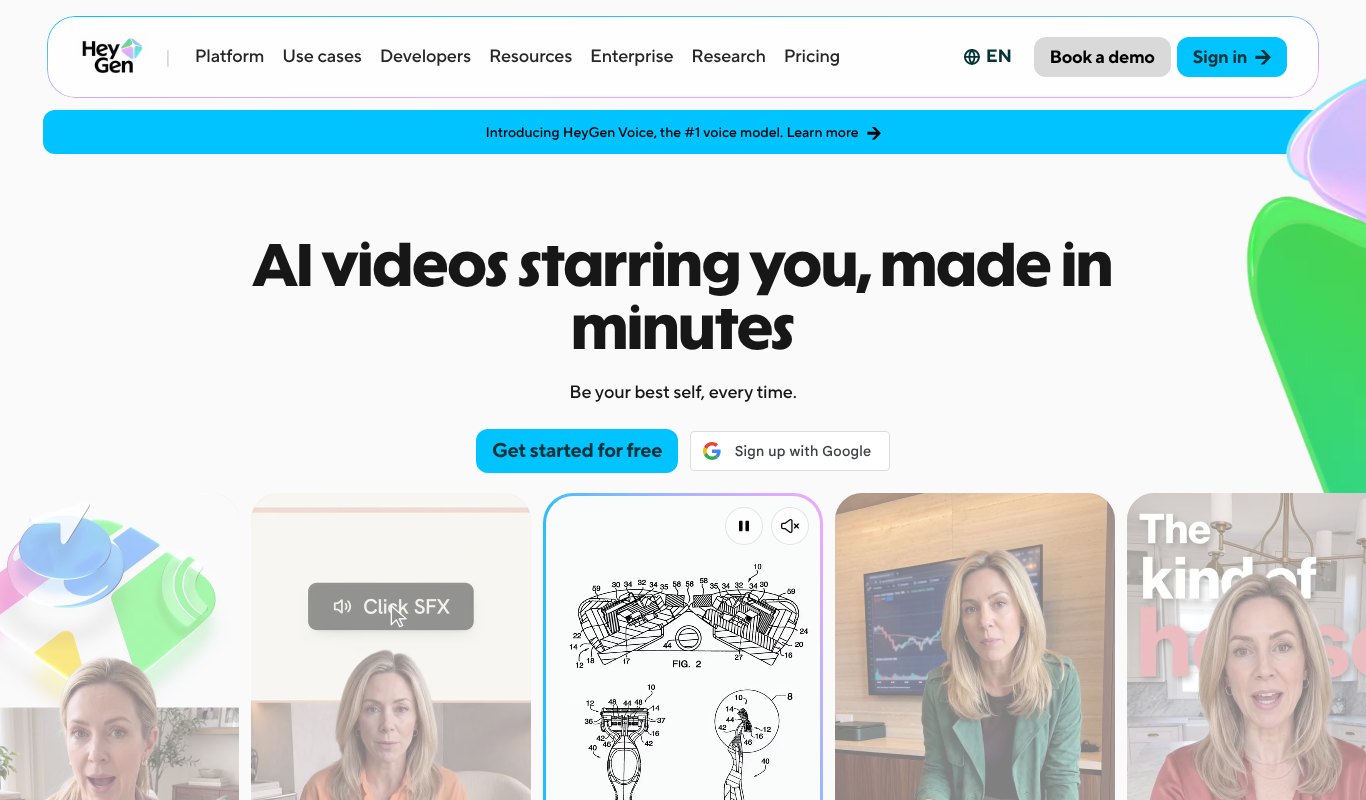
Sometimes a video needs a face. HeyGen turns your script into a video with a realistic AI presenter who speaks it out loud.
Choose from hundreds of ready-made avatars or create one that looks and sounds like you. It also translates videos into 175+ languages and dialects, which makes it a favorite for training, sales and global marketing.
Pros
- Lifelike AI presenters
- Custom avatar of yourself
- Translation into many languages
Cons
- Not for scenic or cinematic footage
- Credits limit how much you can make
Pricing
Free plan with 3 watermarked videos a month. Creator is $29 a month, with 2 months free on yearly billing.
8. Vidatia
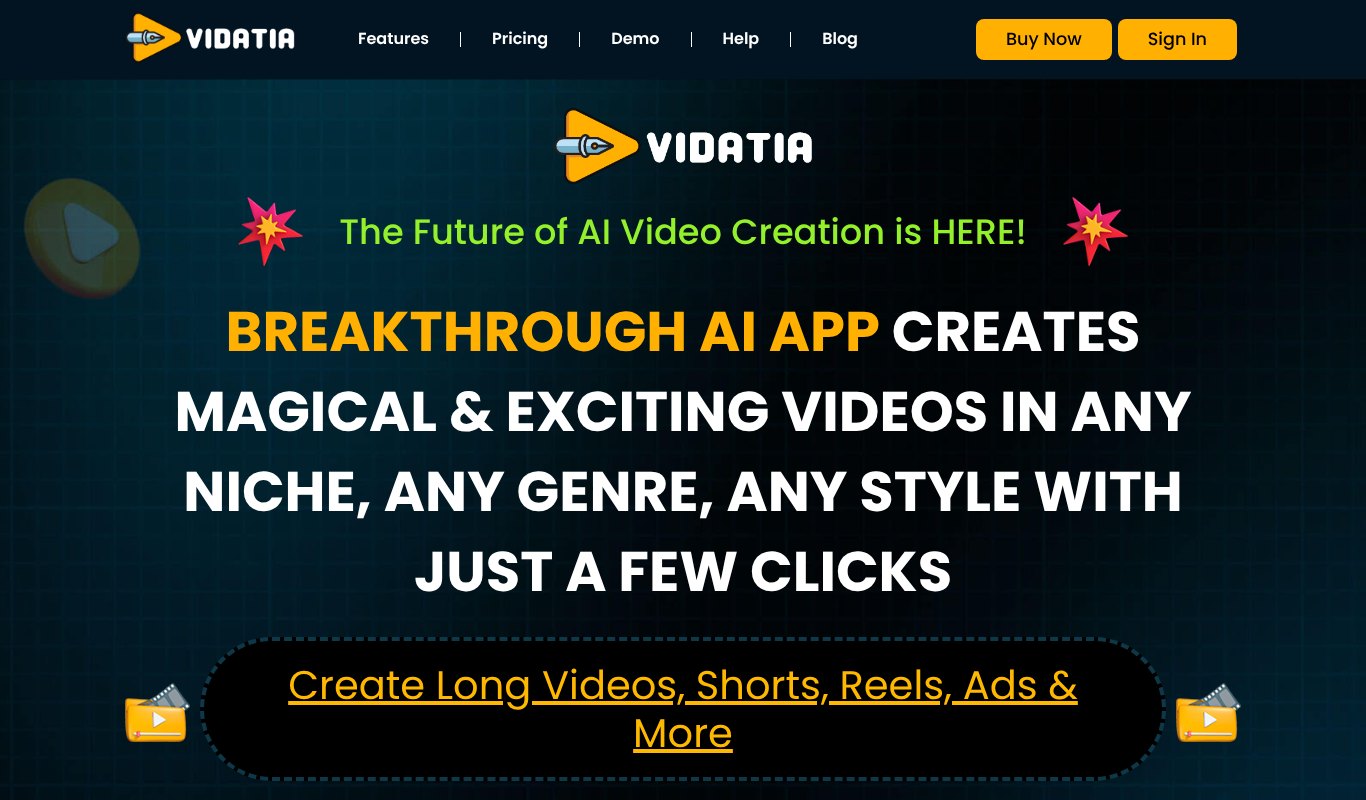
Vidatia is made for faceless and animated videos. Give it an idea and it writes the script, plans the storyboard, creates the visuals and animates everything into a finished video.
It handles long YouTube videos as well as shorts, reels and ads, in any language. You stay in control and can change any part of the script or scenes before you export.
Pros
- Idea to finished video, script included
- Long videos and shorts
- Great for faceless channels
Cons
- Animated style, not live action footage
- No free forever plan
Pricing
$5.58 a month, paid yearly ($67 a year), or $6.99 month to month. 30 day refund.
Price Comparison
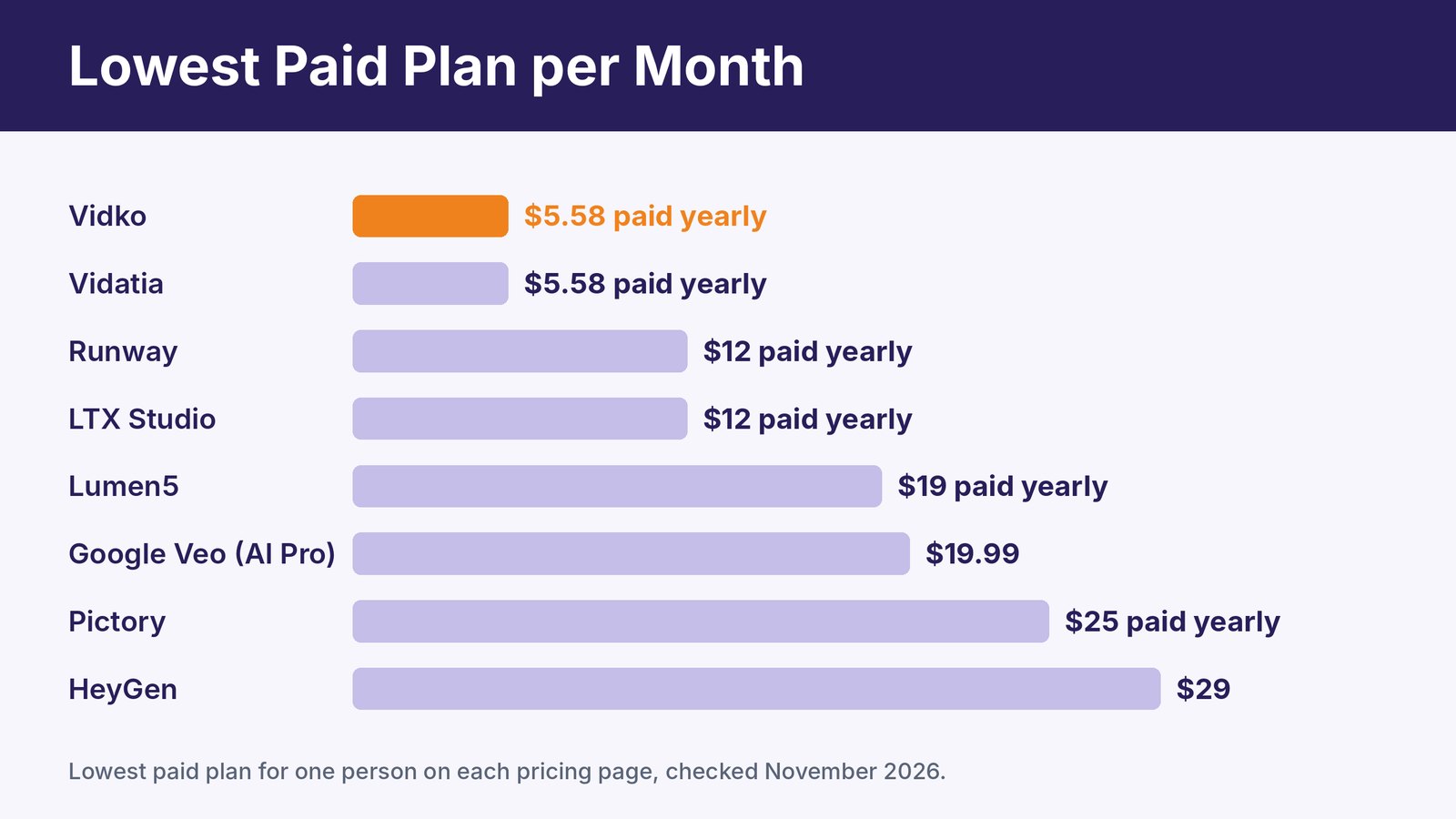
These are the lowest paid plans for one person, checked in November 2026. Most video tools also use credits, so check how many clips each plan really gives you.
Which Text to Video Tool Should You Pick?
Start with the kind of video you make most.
- B-roll, intros and creative clips. Vidko, so you can try Veo, Runway, Kling and more without separate subscriptions.
- Realistic scenes with sound. Google Veo.
- Short films and storyboards. LTX Studio or Runway.
- Blog posts and scripts into videos. Pictory or Lumen5.
- A presenter talking to camera. HeyGen.
- Faceless YouTube and animated stories. Vidatia.
Want to see how all-in-one video platforms compare? Read our guide to multi AI video generation software. For the newest models making headlines, see our list of trending AI video generators.
How to Write Prompts That Make Better Videos
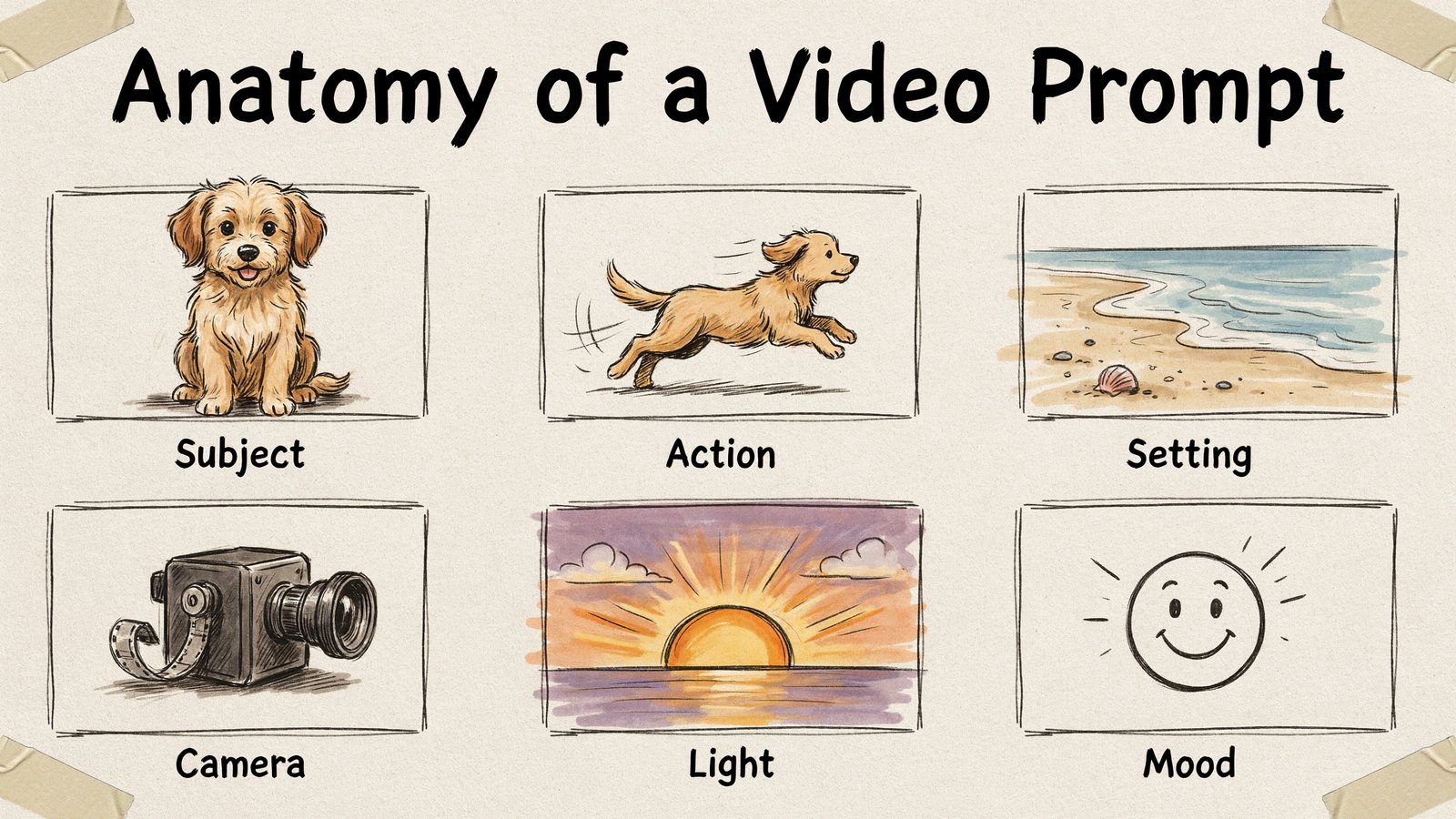
The same tool can give you a stunning clip or a messy one. The difference is usually the prompt.
A good video prompt covers six things.
- Subject. Who or what is on screen. "A golden retriever puppy."
- Action. What happens. "Runs through shallow waves."
- Setting. Where it happens. "On a quiet beach."
- Camera. How it's filmed. "Slow motion, low tracking shot."
- Light. The time and lighting. "Warm sunset light."
- Mood. The feeling. "Joyful and carefree."
Put it together and you get "A golden retriever puppy runs through shallow waves on a quiet beach, slow motion low tracking shot, warm sunset light, joyful and carefree." That's far better than "dog on beach."
Keep each clip to one simple action. AI video still struggles when too much happens at once. For more prompt ideas, see our post on generative AI video tools.
Common Mistakes to Avoid
Expecting one perfect take. Generate three or four versions and pick the best. That's normal, even for pros.
Forgetting the format. Make vertical clips for TikTok, Reels and Shorts, and wide clips for YouTube and websites.
Ignoring the license. Free and cheap plans sometimes limit commercial use. Check before you use a clip in an ad.
Skipping the edit. AI clips are raw material. Add captions, music, your logo and a clear call to action.
Relying on one model. As the Sora shutdown showed, models come and go. Keep your options open.
Frequently Asked Questions
What is the best text to video AI tool?
For most creators and marketers, Vidko is the best value because it gives you 22 video models, including Veo, Runway and Kling, for $5.58 a month, paid yearly. For realistic clips with sound, Google Veo is excellent on its own.
Is there a free text to video AI?
Yes. Runway, LTX Studio, Lumen5 and HeyGen have free plans, and Pictory has a free trial. Free plans usually add watermarks or limit how many videos you can make.
Is Sora still available?
No. OpenAI discontinued the Sora app in April 2026 and the Sora API in September 2026.
Can I use AI videos in ads?
Usually, yes, on paid plans. Always check each tool's license, especially on free tiers.
How long can text to video AI clips be?
Generative models usually make clips of about 5 to 20 seconds that you join together. Script to video tools like Pictory, Lumen5 and Vidatia can make videos several minutes long.
Final Thoughts
Text to video AI has grown up. You can now make cinematic B-roll, business explainers, avatar videos and full animated stories from a few lines of text.
The smartest move for 2027 is staying flexible. New models arrive every few months, and some disappear.
If you want the best of Veo, Runway, Kling, Seedance and more in one place, try Vidko. It's $5.58 a month, paid yearly, with a 30 day refund.